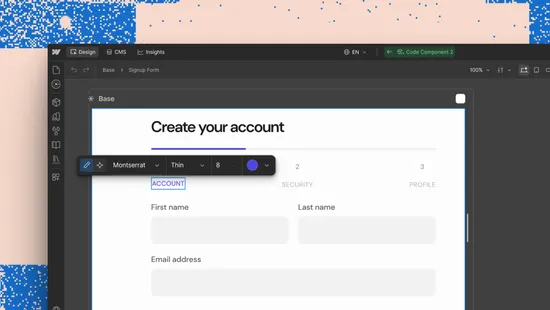
Edit AI code components visually
Visual editing brings direct, on-canvas control to AI code components. Select, style, and edit elements the same way as any other Webflow element.
Guides, design templates, and workflow strategies written by the core development team.
Visual editing brings direct, on-canvas control to AI code components. Select, style, and edit elements the same way as any other Webflow element.
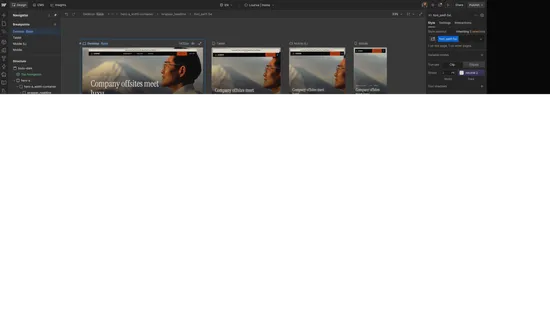
View breakpoints side-by-side for instant visibility into cascading changes.
This developer guide was contributed by Knut Melvær (Head of Developer Community and Education), Chris LaRocque (Senior Solution Architect), and Rune Botten (Principal Solutions Engineer and Architect at Sanity working mainly with our enterprise clients.).

fewfwer